Before approving a beautiful new menu, ask one operational question: will it help guests choose faster, order accurately, and trust the bill when the room is full? A menu is not only artwork. It is a service-flow tool.
Menu design should make the guest decision faster before it makes the menu look prettier
Menu design works when guests can understand the offer, compare choices, and order at the venue’s pace. Restaurants, cafes, bars, bakeries, and breakfast bars need menus that reduce hesitation without hiding price, allergen, or modifier information.
- Full-service restaurant: place decision-heavy dishes where seated guests can compare them comfortably.
- Counter-service cafe or bakery: make the first scan clear from the queue, then confirm size, milk, filling, or add-on at the register.
- Bar: separate fast reorders from discovery cocktails.
- Breakfast bar: label stations and upgrades where standing guests choose.
Restaurant tables and chairs shape the reading moment. A tight two-top needs a compact format. Deep restaurant chairs in a dim room need larger type, stronger contrast, and less glare. The 2010 ADA Standards specify a 30 by 48 inch clear floor or ground space for wheelchair positioning, so readability belongs with lighting, seating, circulation, and other hospitality interior fit-out decisions.
Menu engineering should rank every item by profitability and popularity before layout begins
Menu engineering gives design a commercial reason for placement. POS exports should show item name, category, quantity sold, net sales, discounts, modifiers, food cost, and gross margin. In classic menu engineering, contribution margin equals menu price minus food cost, and demand equals sales of one item divided by total items sold.
| Type | Meaning | Menu design action |
|---|---|---|
| Stars | High profit, high popularity | Give strong visibility and a clean server prompt. |
| Plowhorses | Low profit, high popularity | Keep visible, but review portion, ingredients, and price. |
| Puzzles | High profit, low popularity | Test better wording, placement, or special use. |
| Dogs | Low profit, low popularity | Remove, merge, or replace unless strategic. |
A high-margin item deserves promotion only when prep time, pickup time, station capacity, ingredient availability, and training support the promise. Weak items should be removed as actively as strong items are promoted because they consume prep space, inventory attention, and guest decision time.
Menu engineering should rank every item by profitability and popularity before layout begins shown as an editorial planning reference.
Readable menu design depends on type size, contrast, glare, and dining-room lighting
Readable menu design is set by the weakest viewing condition, not the best screen mockup. Low light, glossy covers, small type, tight spacing, and poor contrast slow orders and increase staff explanations.
- Low-light rooms: use plain letterforms, generous spacing, and larger type for item names, prices, allergens, and modifiers.
- Glare control: glossy laminate, shiny covers, digital screens, and backlit boards can reflect pendant lights. Matte paper and well-angled boards read faster.
- Contrast: Section508.gov QR code guidance cites WCAG 2.1 guidance of at least 4.5:1 contrast for normal text and images.
- Breakfast bar boards: make eggs, bakery, fruit, coffee, add-ons, allergens, and dietary notes easy to scan from the queue.
- Lighting: ENERGY STAR says qualified LED lighting uses at least 75 percent less energy and lasts up to 25 times longer than incandescent lighting.
- Furniture: test menus on the actual tables, chairs, banquettes, and bar-tops. The 2010 ADA Standards set accessible dining and work surfaces at 28 to 34 inches above the finish floor or ground.
- Finish: chalkboards smudge, laminated stock reflects light, and newly finished materials may need ventilation because the EPA recommends increasing ventilation when using products that emit volatile organic compounds indoors.
POS reality should decide which menu design ideas survive launch
A menu design fails when the printed promise cannot be entered cleanly into the POS. Modifiers, item names, allergens, discounts, stock status, taxes, and service charges need testing before launch.
Use one naming hierarchy: guest-facing name, POS button name, kitchen display name, and receipt name. A menu can say “The Butcher’s Cut,” while the POS says “Ribeye 12 oz,” the kitchen ticket says “Ribeye MR Fries,” and the receipt remains recognizable.
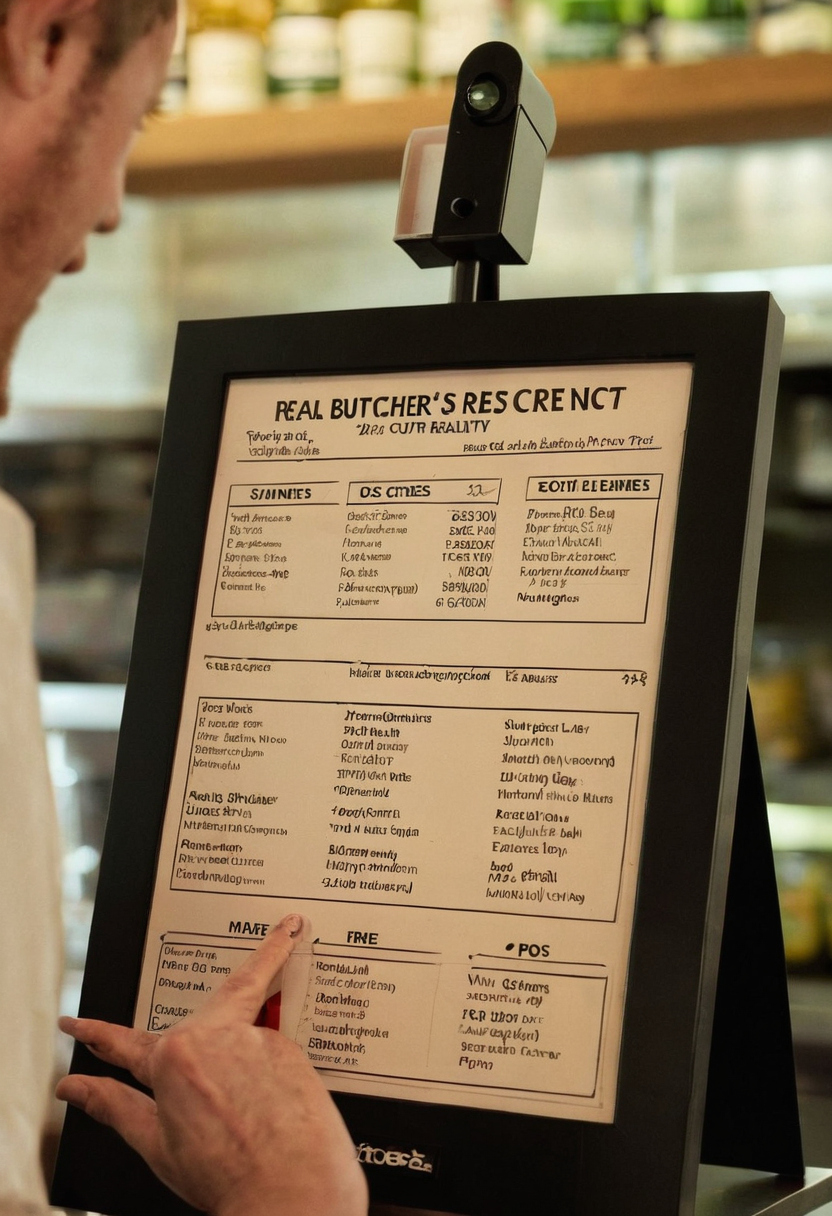
POS reality should decide which menu design ideas survive launch shown as an editorial planning reference.
- Required choices: force doneness, milk type, side, or cup size before sending the order.
- Optional add-ons: price avocado, cheese, premium spirits, or espresso shots without free-text notes.
- Kitchen output: show modifiers in the order cooks read them.
Availability needs one owner per shift. When an item is 86’d, update the POS, online ordering, QR menu, delivery channels, printed insert, menu board, and pre-shift notes.
Menu format should fit the ordering moment, not follow a generic template
The right menu format depends on whether guests are seated, queuing, browsing a bakery case, ordering drinks, scanning a QR code, or comparing dishes at restaurant tables and chairs.
- Full-service dining: use single-page or folded menus for faster comparison, and reserve booklets for steakhouses, wine lists, or multi-course hotel dining.
- Quick-service counter, bakery, and breakfast bar: use boards for core choices, case labels for impulse items, and inserts for seasonal offers.
- Reusable menus: check cleaning compatibility because the EPA identifies cleaning products and furnishings as common indoor VOC sources.
Cafes should separate hot drinks, iced drinks, add-ons, pastries, and grab-and-go food. Bars should separate house cocktails, beer, wine, happy-hour items, and premium pours. QR menus need a printed fallback because QR codes can hide digital information from some guests.
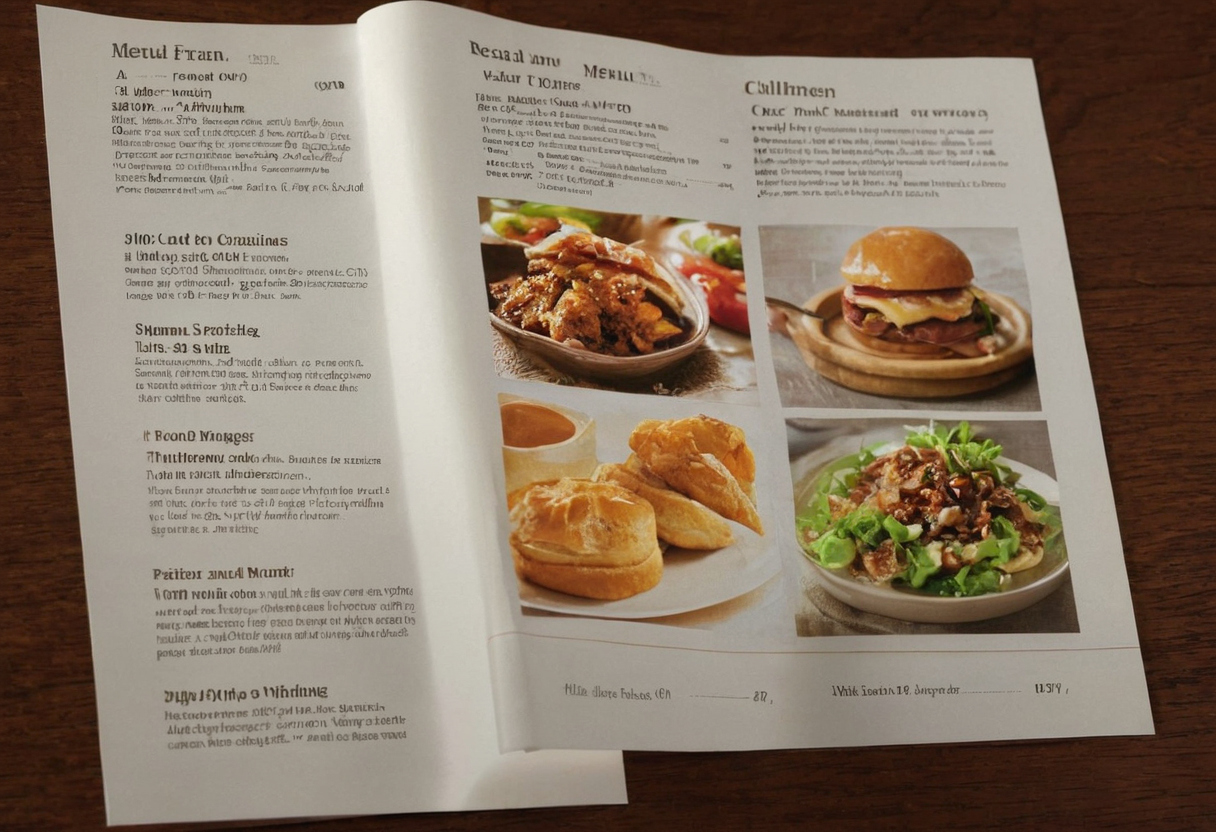
Menu format should fit the ordering moment, not follow a generic template shown as an editorial planning reference.
Pricing cues and compliance details should build trust instead of creating surprise
Pricing cues should help guests buy confidently without feeling trapped at the bill. The common mistake is separating the attractive price from the real price. “Steak 32” plus a small-print service charge feels different from “Steak 32, 10% service charge added.” Allergen notes, market-price items, and automatic gratuity should sit where guests choose.
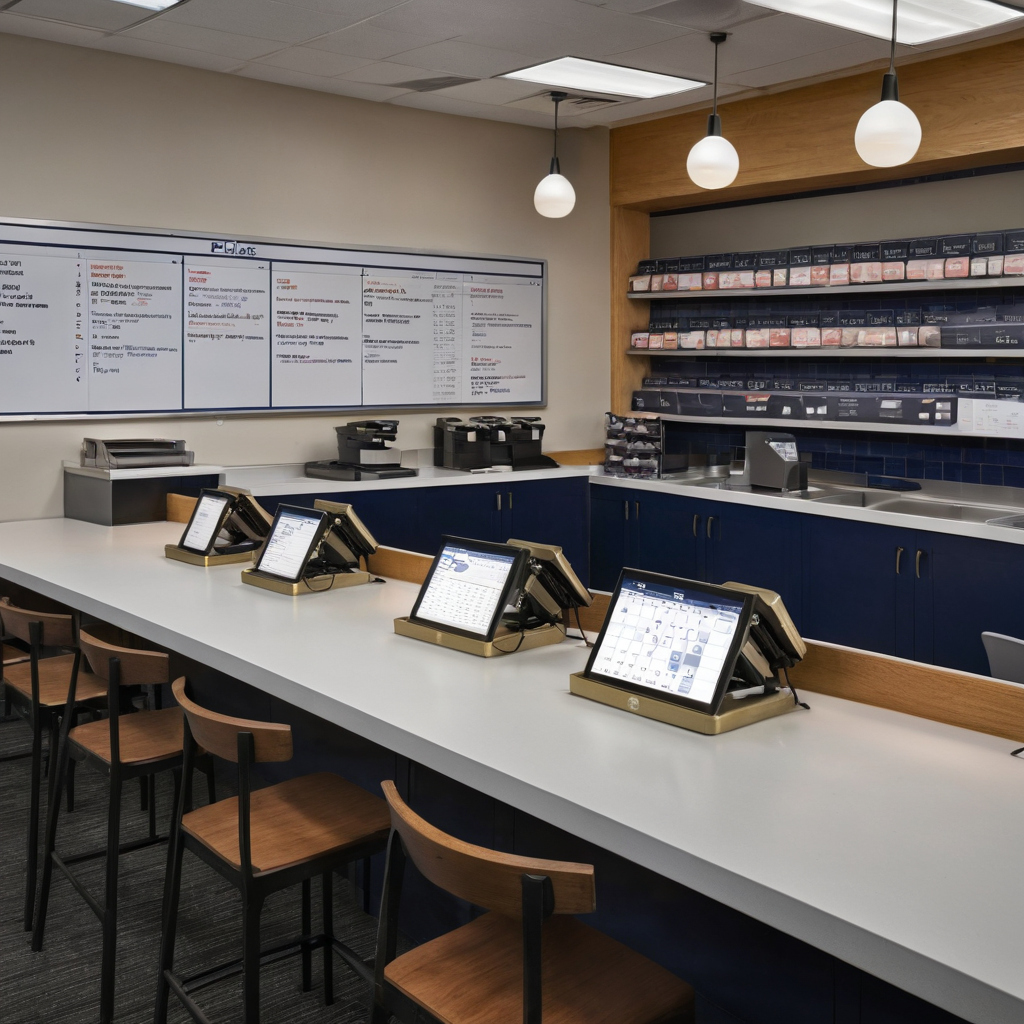
Pricing cues and compliance details should build trust instead of creating surprise shown as a professional reference scene.
Dynamic pricing can mean happy-hour pricing, daypart pricing, market seafood pricing, or event surcharges. The menu should state the rule, the POS should apply the same rule, and staff should explain the change before ordering.
Digital menu access also needs review. In the United States, Section508.gov explains that Section 508 applies to federal electronic information technology, and QR codes can count as electronic content when used that way. Before launch, ask servers, bartenders, kitchen leads, managers, and the POS admin to test prices, modifiers, allergens, voids, comps, item mix, and complaints.
FAQ
What is the 30/30/30 rule for restaurants, and does it apply to menu design?
Operators often use 30-day sales, 30-day cost, and 30-day staffing or prep observations as a practical audit window. Seasonal venues may need longer.
What are the four types of menu performance in menu engineering?
Stars, Plowhorses, Puzzles, and Dogs compare popularity with profitability so layout decisions follow commercial evidence.
What is the most common mistake in restaurant menu design?
The most common mistake is designing for appearance before service. If guests cannot read, compare, customize, and trust prices quickly, the menu slows the room.
What is a dynamic pricing menu, and when is it risky for restaurants?
It changes price by time, supply, event, or market condition. Risk rises when the rule is not visible, not matched in the POS, or not explained by staff.
How often should a restaurant redesign or audit its menu?
Audit item performance whenever costs, demand, staffing, or service style changes. A visual redesign should follow that audit.